What do you mark in a control cabinet?
We distinguish four types of marking. These match the products we make for control cabinet marking:
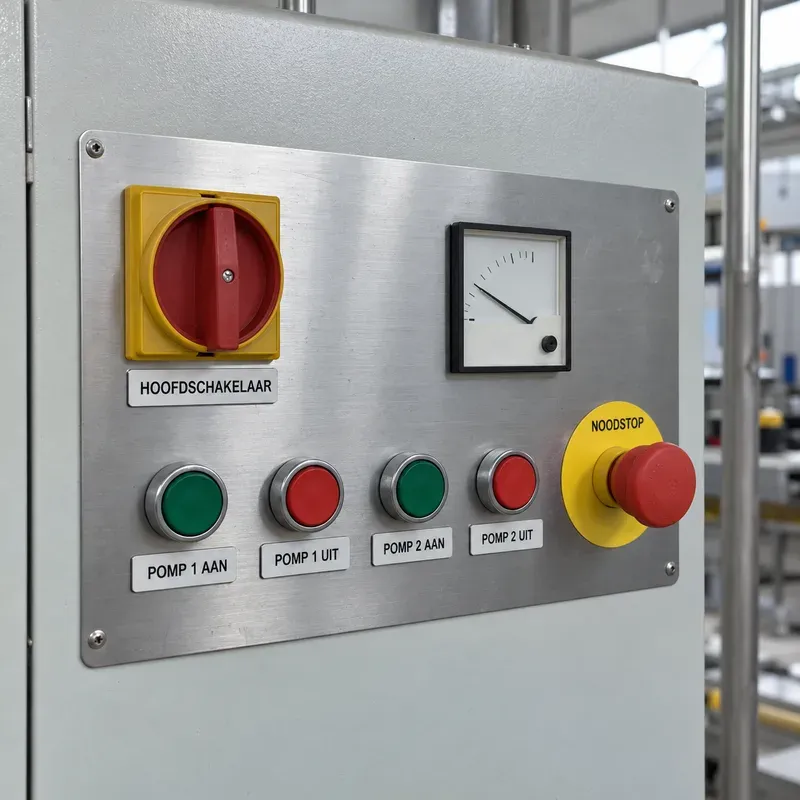
- Front panel or cover. The plate or panel holding switches, buttons and meters. We supply custom front panels and covers with cut-outs for switches, buttons and meters. We can also work on a cover or door that you supply.
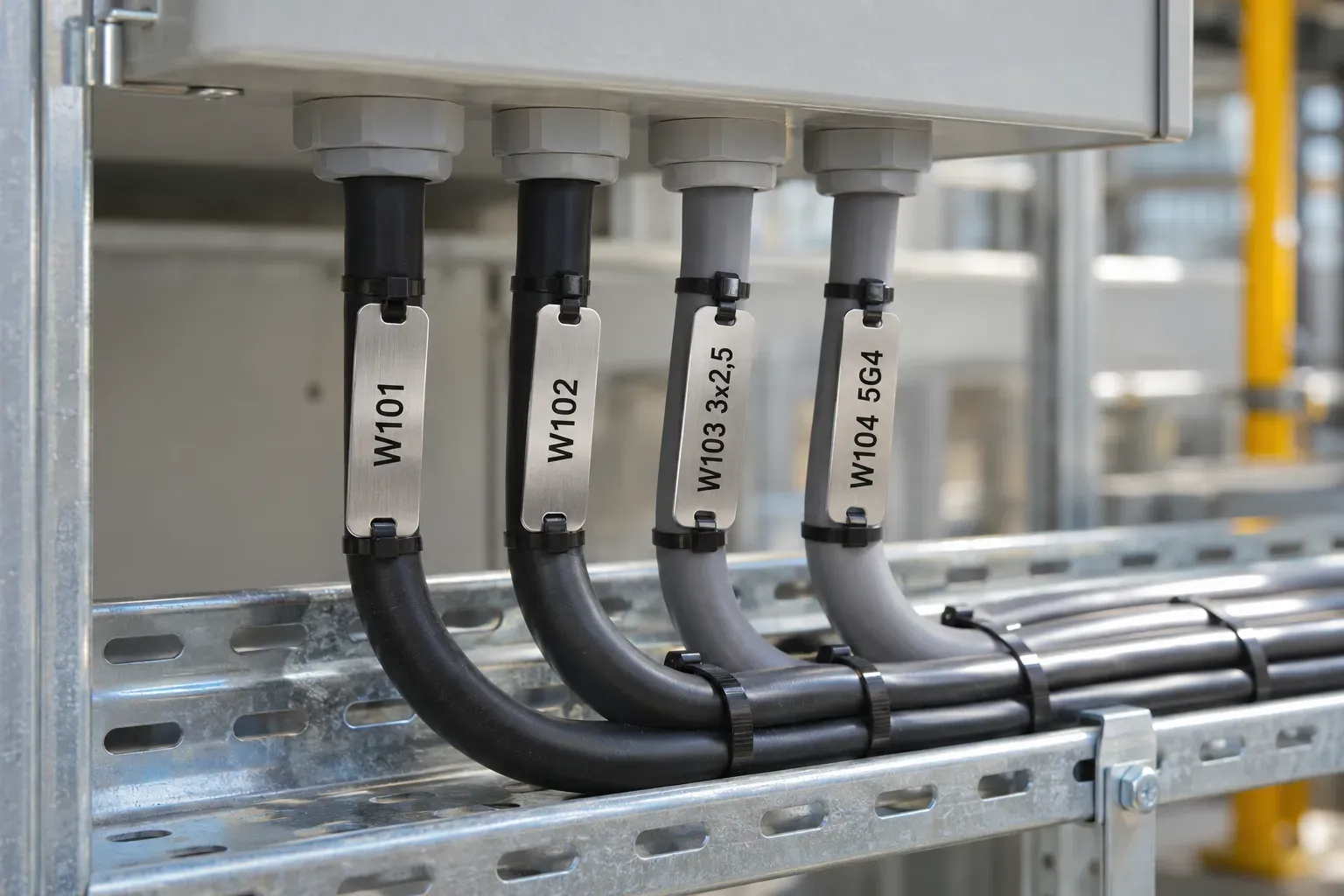
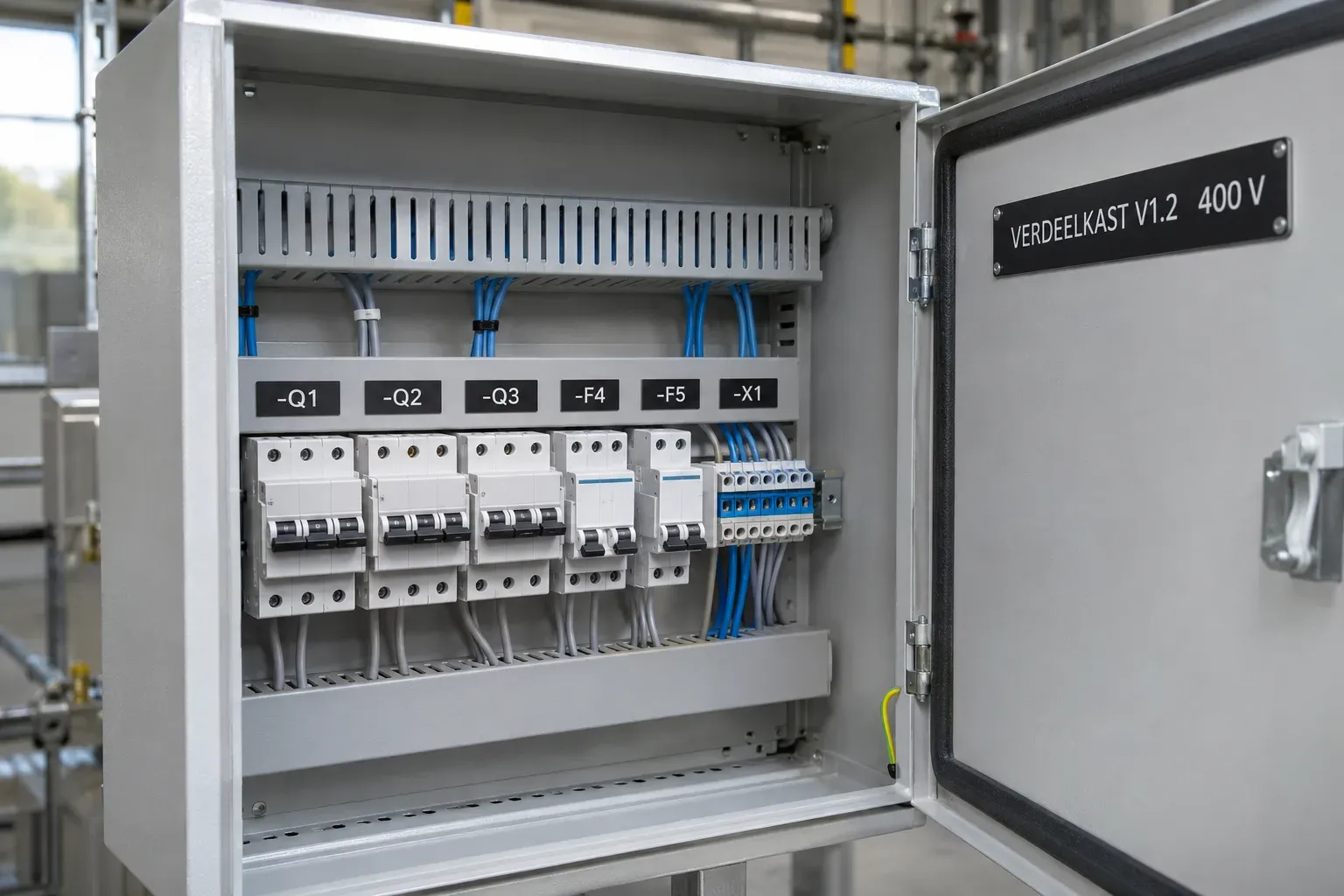
- Identification plate. A small plate beside a component, showing the code from your diagram. Standard sizes are 30 × 10, 40 × 15, 50 × 15, 60 × 20 and 80 × 25 mm; custom sizes are also available.
- Emergency stop plate. Round, in Ø 60, Ø 75 or Ø 90 mm, black on yellow, in engraving laminate.
- Warning sign. In 100 × 50, 150 × 75 or 200 × 100 mm, or a custom size.
Which text goes on it?
Put the same code on an identification plate as in your diagram. The engineer then has no need to interpret a different code. Keep the text short and use the same structure throughout. If you want extra information for a component, an identification plate can also carry a QR code; see QR codes, barcodes and RFID.
For warnings, we offer ISO 7010 signs as stickers or aluminium signs. The electrical voltage warning is W012 and is listed in our ISO 7010 range. For a warning on a machine, the Machinery Regulation calls for safety information preferably in pictograms and in a language users can easily understand (Annex III, point 1.7.1). You or your safety adviser determine which warning belongs on your cabinet; we make what you specify.
Standards for marking and identification
NEN-EN-IEC 61439-1 and NEN-EN-IEC 60204-1 contain requirements for marking and identification. IEC 81346 covers reference designations: a reference designation on a component is the key to the information about that component across the different documents. Use the code from your diagram on the plate or marker.
The cabinet or machine builder decides which markings your cabinet needs; ask your safety adviser or inspection body.
Which material and colour?
We make identification plates and warning signs from engraving laminate (two-layer PVC-free plastic), aluminium or stainless steel. For engraving laminate, choose black on white, white on black, black on yellow, white on red or white on blue. The emergency stop plate is available in engraving laminate, black on yellow. Choose engraved or printed, with or without fixing holes. For holes, specify the diameter and the distance between them.
If the cabinet is in a wet, greasy or chemical environment, tell us and we will advise on each order individually.
How to supply the details
- Send your diagram or a list of all components: code, text, required size and material. An XLSX or CSV file with one plate per line is the most convenient; read Supplying files.
- For a front panel or cover, supply a drawing (DXF, DWG or PDF) showing the cut-outs and holes, or supply the plate itself.
- Check the codes against your diagram before sending.
As a rule, you receive a production drawing within 2 working days of accepting the quote. We only start production once you approve it. Delivery follows as a rule within 5 to 10 working days after approval of the production drawing.
Also read Machine safety labels.
Frequently asked questions
Can you make all the plates for a cabinet in one order?
Yes. Include a list of all the components. Specify the text and size on each line; we make the plates as one order.
Do you also make self-adhesive plates or diagrams?
We currently make engraved or printed plates, with or without fixing holes. If you need a different version, ask in your request.
Can I specify my own size?
Yes, for each type you can choose a custom size and enter the dimensions.
Which colour should an emergency stop plate be?
Our emergency stop plate is black on yellow. The machinery standard and your safety adviser determine which colours are required in your situation.
Questions about this text? Email info@kuyper-graveertechniek.com or call 010 216 2344.